

 EnglishEN
 ItalianoIT
 DeutschDE
 EspañolES
 PortuguêsPT
 РусскийRU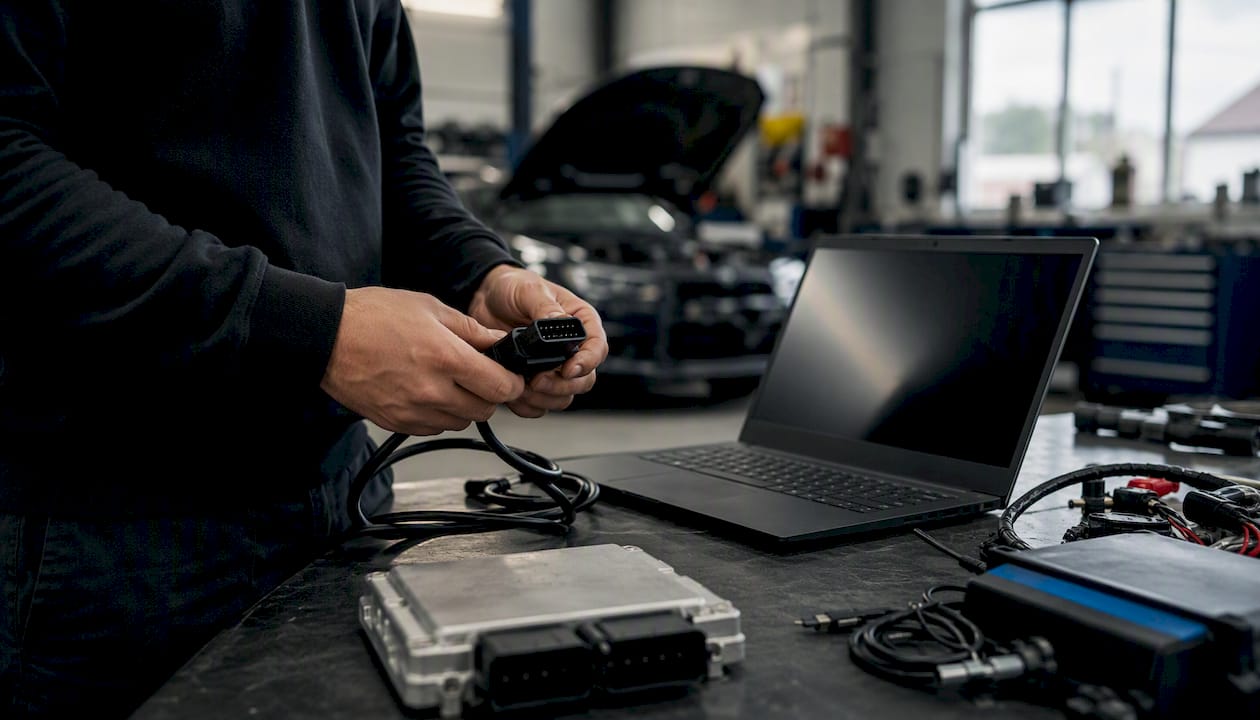
ECU file upload platform checklist workflows should focus on the information the platform actually needs: the correct source file, exact ECU or TCU identification, vehicle details, requested calibration, read/write tool and any relevant hardware changes. Upload technology, file extensions, callback formats and storage architecture vary by provider, so a workshop should follow the platform’s own submission rules rather than assume a universal API or transfer pattern.
The core ECU file upload platform checklist:
- Confirm the ECU/TCU and service are supported before reading or uploading.
- Preserve the source file produced or accepted by the selected read/write workflow.
- Record vehicle, engine, ECU/TCU hardware and software IDs, tool, read type and relevant DTCs.
- Use the file format and upload method requested by the platform.
- State the requested calibration objective and all relevant hardware changes clearly.
- Confirm that the submitted job and returned file correspond to the same control unit and source file.
- Write only with the protocol and file type supported by the flashing tool.
- Perform post-write diagnostics and the validation appropriate to the calibration.
Astuce de pro : Always include the hardware tool name (e.g., Alientech KESS3, PCMFlash, Magic Motorsport, CMD, or Dimsport) in your order notes. Engineers use this to apply the correct decryption or patching routine, and missing it is one of the top causes of preventable rework.
ECU File Upload Platform Checklist: Key Takeaways
A professional ECU file upload platform checklist is primarily a job-identification and file-control process. Exact control-unit data, source-file type, tool workflow and requested service matter more than generic file extensions, fixed upload sizes or assumed checksum callbacks.
| Vérifier | Pourquoi c'est important |
|---|---|
| Exact ECU/TCU identification | Prevents file matching against the wrong hardware or software version. |
| Correct source-file type | Virtual, partial, encrypted, raw and tool-specific files are not interchangeable. |
| Complete job metadata | Vehicle, engine, tool, hardware changes and requested service reduce clarification and matching errors. |
| Platform-specific upload method | Do not assume presigned URLs, multipart upload, file IDs or callbacks exist on every provider. |
| Returned-file verification | Confirm job identity, file type and flashing-tool compatibility before writing. |
| Workshop validation | The platform does not replace diagnosis, programming discipline or post-write testing. |
ECU File Upload Platform Checklist: What to Prepare
Using an ECU file upload platform checklist, confirm the workshop has the correct source file, exact control-unit identification and the information required by that provider.
Account and permissions:
- Use the access method required by the platform; some services support guest submission while others require an account.
- Confirm the platform’s payment model: prepaid credits, account billing or pay-per-file.
- API credentials are relevant only if the workshop actually integrates through a supported API.
- Use strong authentication where an account is required, especially for shared workshop access.
Hardware and tool readiness:
Tool compatibility should be confirmed for the exact ECU/TCU and file type. A provider may accept files originating from several professional tools, but Master/Slave relationships, encrypted containers and virtual-read workflows can change what can be processed.
Environment:
- Browser/client: use a current supported browser or the provider’s official application.
- Network: use a stable connection for upload/download and follow the tool requirements separately for ECU programming.
- File-size limit: check the provider’s documented upload limit for the exact workflow.
How do you prepare an ECU or TCU file for upload?
Upload problems can come from unsupported file type, incomplete metadata, incorrect ECU identification, browser/network issues or provider-side validation. Do not assume naming or extension is the main cause.
Accepted formats and size reference
| File category | Workshop guidance |
|---|---|
| Raw binary / ROM | Common on some read tools, but extension and file size vary by ECU and protocol. |
| Virtual / server-supplied source file | Matched from ECU identification; not equivalent to a physical full dump. |
| Encrypted / Slave file | May require the linked Master or provider workflow and may not be directly editable. |
| Tool-specific project/container | Submit only if the provider explicitly accepts that tool’s native format. |
Filename convention: Use a structured name that encodes the vehicle, ECU, tool, and date. Example:
VW_Golf7_1.4TSI_MED17.5.25_KESS3_2026-07-15_ORIG.bin
A structured filename helps workshop archiving, but the platform should rely on the submitted ECU/TCU metadata and file contents rather than filename text alone.
Checksum and backup steps:
- Optional archive hash: a SHA-256 hash can help prove that a locally archived source file has not changed, but this is different from the ECU’s internal checksum/signature.
- Record the hash only if the workshop uses cryptographic hashing as part of its archive policy.
- Copy the original to a dedicated backup folder before any modification.
- A returned file will normally have a different cryptographic hash because its calibration data changed; do not compare source and tuned-file hashes for equality.
Astuce de pro : Pour Correction checksum on Delphi or Bosch files, run the checksum check before upload, not after. A corrupt read produces a bad checksum that the platform will flag immediately, saving you a round-trip.
ECU File Upload Platform Checklist: Vehicle and ECU Data
An ECU file upload platform checklist uses complete metadata to reduce clarification and file-matching errors. The exact required fields depend on the service and platform.
Required fields and where to find each value:
- Make/model and engine: provide the exact vehicle configuration required by the provider.
- VIN: provide it only where required by the workflow and handle it according to the provider’s privacy policy.
- Engine code: stamped on the engine block or visible in the OBD diagnostic report.
- ECU brand and model: from the ECU label (e.g., Bosch MED17.5.25, Continental Simos 18.1, Delphi DCM3.5). The Continental ECU file guide covers initialization steps for Simos and SID variants.
- ECU part number and software/ROM version: read from the ECU using your tool’s identification query, or photograph the ECU label.
- Mileage/odometer: include when relevant to diagnosis or required by the order form.
- DTCs/diagnostics: report relevant existing faults rather than hiding them before calibration.
- Fuel type and forced induction: diesel/petrol/hybrid, naturally aspirated or turbocharged.
- Hardware modifications: document all changes that can affect airflow, fuel, boost, exhaust, drivetrain or requested calibration.
Astuce de pro : Copy the ECU software version string directly from your tool’s identification screen and paste it into the form field. Retyping introduces transcription errors that cause ECU-model mismatches and rejected jobs.
How does the upload process work on a professional ECU platform?
Upload architecture is implementation-specific. Some platforms use ordinary browser uploads, some direct-to-storage links, some APIs, and some multipart transfer for large files. The workshop normally should not need to choose the backend architecture manually.
Client-direct uploads using presigned URLs
Some web applications use short-lived direct-upload URLs so the file travels from the browser to storage without passing through the application server. That is a web-platform implementation detail, not an ECU-tuning requirement.
Key requirements for this pattern:
- If the platform uses expiring upload links, complete the transfer within the expiry period shown by that platform.
- Follow the upload instructions supplied by the platform; signed URL requirements are implementation-specific.
- Authentication and callback verification are platform-development concerns, not workshop upload steps.
Server-side uploads
Other applications route uploads through their own server for validation or processing. Body-size limits and implementation details depend on the hosting stack; there is no universal 4.5 MB ECU-platform limit.
Multipart uploads for large files
Large files may use multipart or resumable uploads where the platform supports them. Do not split or compress ECU/TCU files unless the provider explicitly accepts that workflow.
Confirmation signals to look for after transfer:
- Use the platform’s own visible confirmation that the file or job was received.
- Webhooks/callbacks apply only to API integrations; ordinary workshop users should follow the portal’s job-status confirmation.
- Record the job/order reference and any file ID the provider supplies.
- Confirm the job appears in the expected submitted/processing state before leaving the workflow.
What happens after you submit the ECU job?
The job request should describe the exact calibration objective and the hardware condition the engineer needs to know.
Tuning options to select:
- Performance objective: describe the requested result and installed hardware; Stage labels are informal and provider-specific.
- Emissions-related requests: confirm legal use and applicable compliance requirements before ordering.
- Additional functions: request only services supported for the exact ECU/TCU and lawful for the intended use.
- Targets/notes: include realistic performance goals, fuel grade, hardware and any relevant logs.
Order notes field: State the reading tool (e.g., “Read with Alientech KESS3 v3.036”), any known hardware modifications, and the customer’s primary use case (daily driver, track, towing). This single field reduces engineer clarification requests more than any other input.
Delivery and what you receive:
Turnaround, deliverables and revision notes vary by provider, ECU complexity and service. Use the provider’s current written terms rather than assuming every platform returns a checksum, release notes or a file within a few hours.
How do you validate the returned file before flashing?
Before flashing, confirm that the returned file belongs to the correct job, matches the intended ECU/TCU workflow and is accepted by the selected tool.
- Job/file identity: confirm the returned file belongs to the correct order and is the file intended for the selected tool workflow.
- Control-unit match: cross-check ECU/TCU IDs, source-file type and provider notes against the job record.
- Bench/spare-unit testing is optional and application-specific; do not treat it as mandatory for every returned calibration.
Rollback plan:
- Keep the original dump in a named archive folder, never overwrite it.
- Label the archive with the VIN, date, and tool used.
- If the vehicle behaves unexpectedly, stop testing, scan DTCs and follow the tool/provider recovery procedure; stock reflash is not automatically the first step.
- For security/EEPROM-related functions, confirm the exact recovery and data-handling procedure before writing.
Why do ECU uploads get rejected, and how do you fix them fast?
| Problem | What to check |
|---|---|
| Unsupported file | Confirm the source-file type and tool workflow accepted for the exact ECU/TCU. |
| ECU/TCU mismatch | Re-read identification data and compare hardware/software IDs with the submitted job. |
| Incomplete metadata | Add the vehicle, engine, ECU/TCU, tool, hardware and service details requested by the provider. |
| Upload interruption | Retry using the provider’s supported browser/app and network guidance. |
| File too large | Use the provider’s documented large-file workflow; do not split or convert the file without approval. |
| Permission/payment issue | Confirm account, order or payment status according to the provider’s commercial model. |
Support request template: When escalating to platform support, include: vehicle make/model/VIN, ECU brand and software version, reading tool name and firmware version, original file (not the modified version), the exact error message or HTTP status code, and the checksum of the file you uploaded. A complete support request with this information significantly reduces triage time for platform engineers, per operational best practices for file upload platforms.
For large-file failures specifically:
- Confirm the platform supports multipart upload and request the multipart endpoint.
- Check that the presigned URL has not expired before each chunk PUT.
- If server-side upload is mandatory, compress or split the file only if the platform explicitly supports it.
Astuce de pro : Save your support request template as a workshop document. Filling it out takes 90 seconds and eliminates the back-and-forth that typically adds hours to resolution time.
What security practices protect ECU files during transfer and storage?
ECU/TCU files can contain proprietary calibration and vehicle-specific data. Workshops should review the provider’s transport security, access control, privacy and retention policies.
Security checklist:
- Secure transport: confirm the platform uses current HTTPS/TLS for web file transfer.
- Storage protection: review the provider’s documented controls rather than assuming a specific cipher such as AES-256.
- If an API is used, scope credentials to the minimum operations required by the integration.
- Webhook/callback verification matters only to custom API integrations.
- Access control: avoid shared credentials and limit file access to authorized staff.
- Ask what malware/file-validation controls the provider applies if this matters to the workshop’s security policy.
Questions to ask your platform provider:
- What is the file retention period, and can you request early deletion?
- Are files stored in a jurisdiction subject to export control regulations?
- Does the platform provide an audit log of who accessed or downloaded each file?
Security requirements should be based on the workshop’s risk profile and the provider’s documented controls rather than on generic SaaS checklists.
Astuce de pro : Confirm the platform’s deletion policy in writing before uploading files for high-value or motorsport clients. Some platforms retain files indefinitely by default; others delete after 30 days. Neither is wrong, but you need to know which applies.
How the ECU File Upload Platform Checklist Maps to TuningBot
TuningBot uses a pay-per-file submission workflow: the workshop reads the ECU/TCU with its own supported tool, submits the source file and job details, then receives the calibrated file for local programming.
Before submitting, check Couverture des services ECU, examiner Liste de prix publique and browse Services de l'ECU.
Le Workflow du service de fichiers ECU en ligne describes the workshop-side process in more detail.
Do not infer TuningBot’s storage architecture, presigned URLs, callbacks, accepted extensions or checksum notifications unless the current platform explicitly exposes those features.
Submit a supported source file through Reprogrammer le fichier after confirming the job details.
What does integrating this checklist into shop workflow actually look like?
The checklist works best when it becomes part of the workshop’s standard operating process rather than remaining an informal technician habit.
A workshop can separate intake, file submission and post-write verification into clearly assigned responsibilities. A physical three-station layout is optional; the goal is consistent ownership of each step.
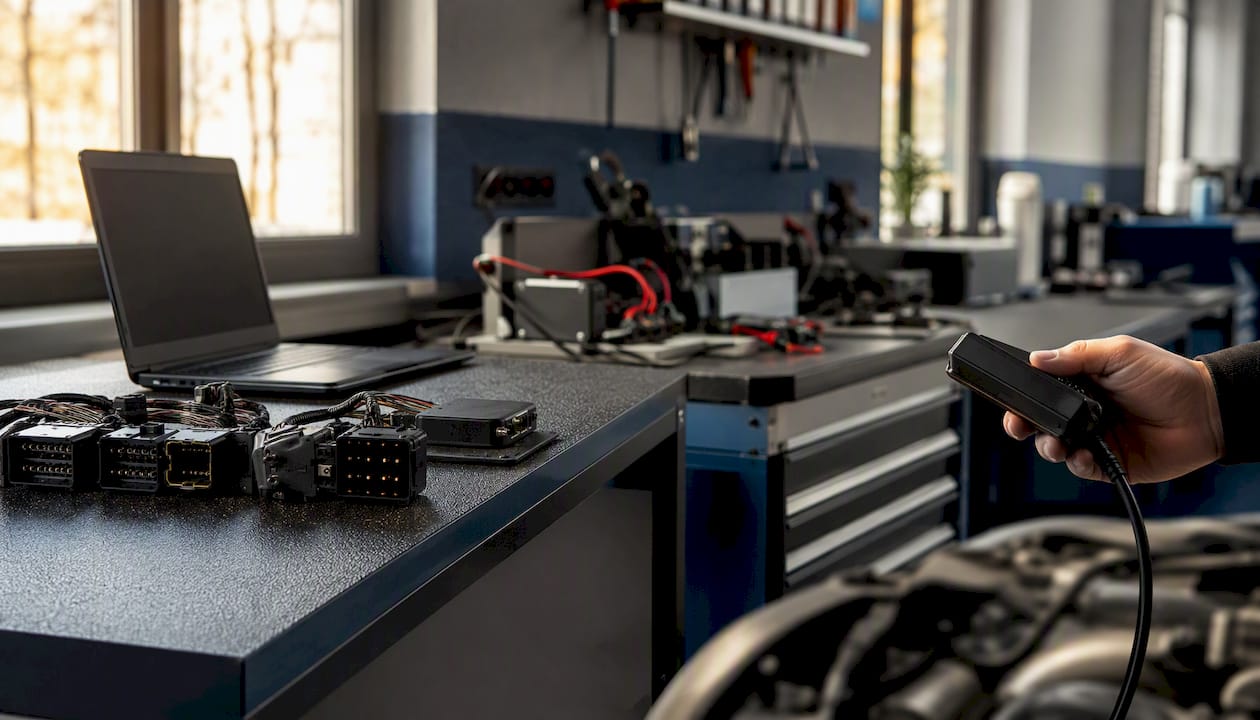
For higher volume, group administrative file submissions in a way that does not delay vehicle-side reading, writing or diagnostics. Maintain a structured archive by job or VIN so source and returned files are not confused.
How TuningBot Reduces ECU File Submission Friction
TuningBot centralizes file submission, service selection and delivery for professional workshops without requiring a prepaid credit balance.
For calibration methodology, see ECU : Remappage pour les professionnels and the verified Checksum Correction Guide.
The workshop should still preserve the source file, provide accurate ECU/TCU data and validate the returned calibration after writing.
This article remains focused on upload/checklist intent so it supports, rather than competes with, the commercial Tune Your File and ECU Services pages.
Sources and Further Reading
- EcuTek ECU Programming Guide — external programming reference retained unchanged.
- UploadThing file upload docs — external web-upload implementation reference retained unchanged.
- Vercel Blob client uploads — external web-upload implementation reference retained unchanged.
- Better Upload quickstart — external web-upload implementation reference retained unchanged.
- Vibe Check file-upload operations — external upload-workflow reference retained unchanged.
- Haldex multi-vehicle service planning — external workflow analogy retained unchanged.
- TuningBot Online Tuning File Service Workflow — internal ECU file-service workflow reference.
- TuningBot How an ECU File Is Written — internal file-writing and flashing reference.
- TuningBot Checksum Correction Guide — internal file-integrity reference.
FAQ
What file formats do professional ECU upload platforms accept?
There is no universal extension list. Platforms may accept raw binaries, virtual/source files, encrypted Slave files or tool-specific containers. Confirm the exact file type required for the ECU/TCU and read/write workflow.
Why does my ECU upload keep getting rejected?
Common causes include unsupported file type, incomplete ECU/TCU identification, missing job data, account/payment state or an interrupted upload. Use the platform’s actual error message rather than assuming a presigned-URL problem.
What is the difference between client-direct and server-side upload?
Those are web-application implementation patterns. A workshop normally only needs to follow the upload method exposed by the platform; the storage architecture is the provider’s concern.
How do I confirm a successful ECU file upload?
Use the portal’s own confirmation—such as a visible job/order reference and submitted or processing status. HTTP codes, signed callbacks and echoed hashes apply mainly to custom API integrations.
Does TuningBot support my reading tool?
Compatibility depends on the exact ECU/TCU, source-file type, protocol and Master/Slave configuration. Check the job against TuningBot coverage and provide the tool/read method with the submission.