Alientech KESS3 Software: Register, Activate, Download & Installation Guide
Step-by-step guide to register Alientech account, activate KESS3, download software, and install Alientech Suite on Windows. No registration needed for TuningBot services — just follow for your KESS3 tool.
1. How to Register Alientech Account
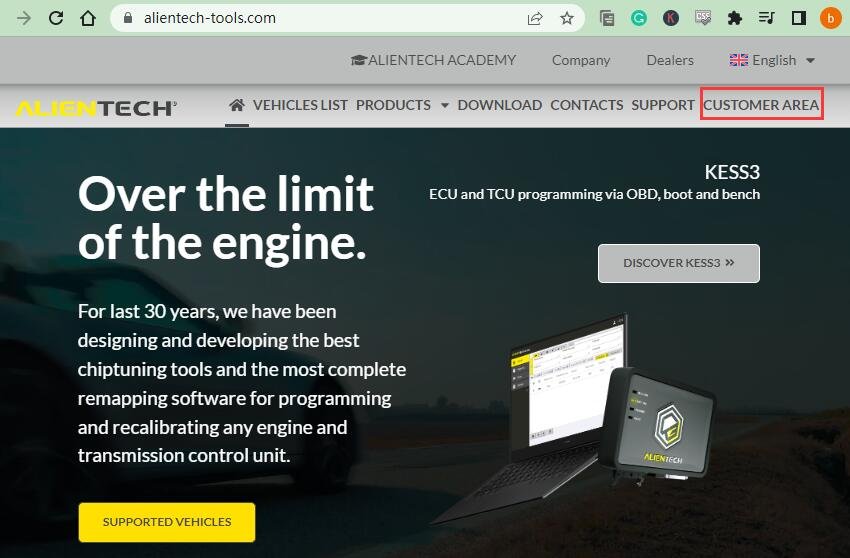
Visit https://www.alientech-tools.com
Click “CUSTOMER AREA” at the top-right corner
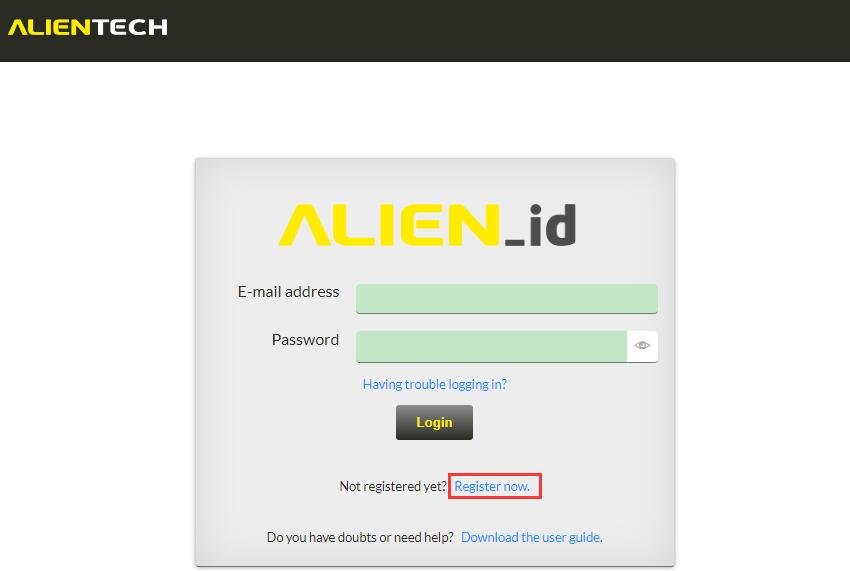
Click “Register now” to enter the registration page
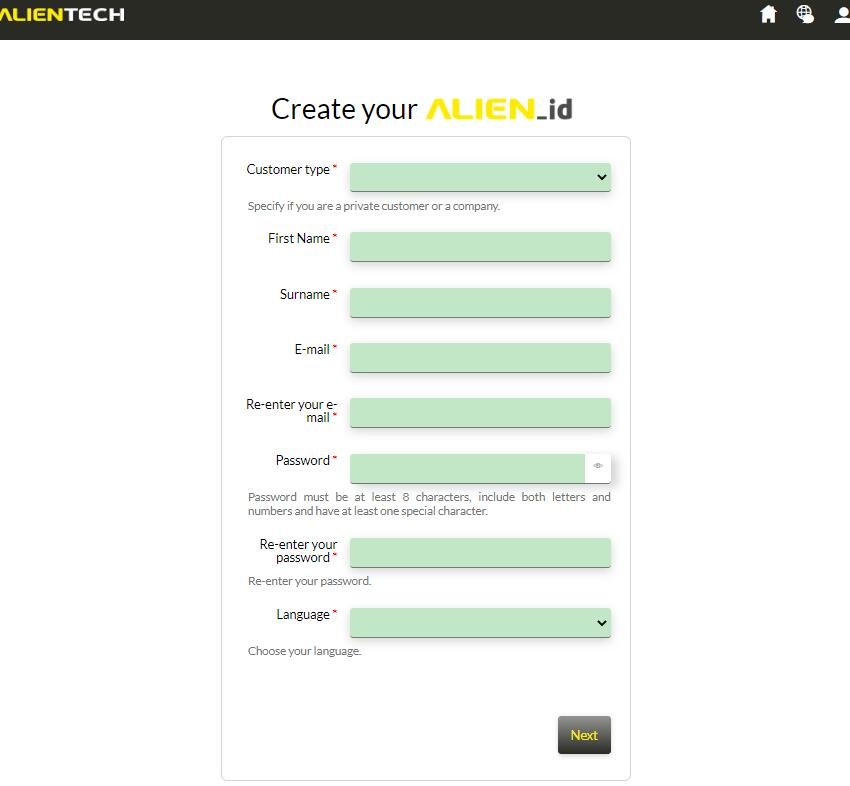
Input username, email, password, and language → Click “Next”
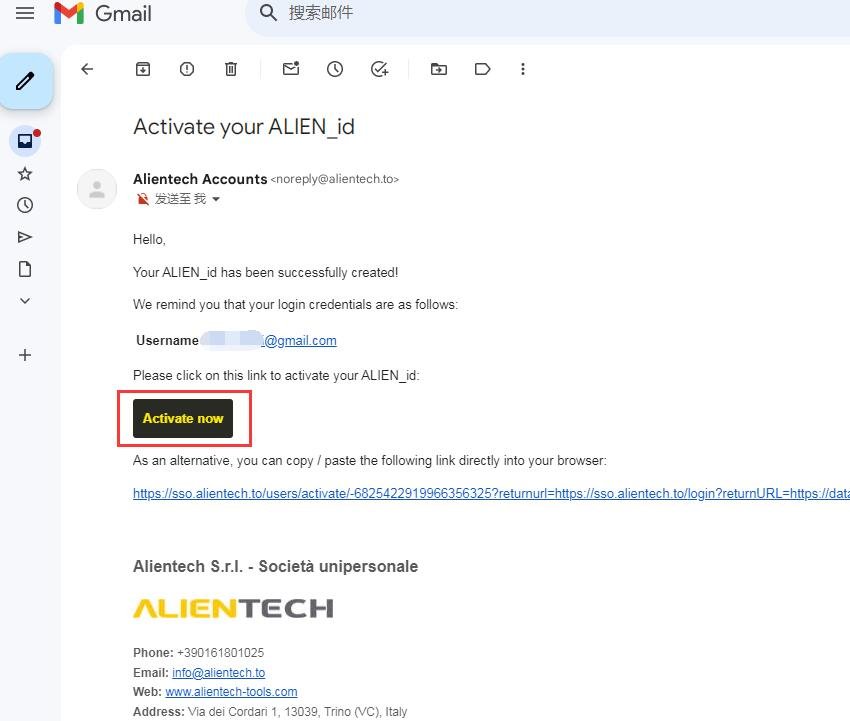
Check your email → Click “Activate now” to activate your ALIEN_ID
2. Where to Download KESS3 Software
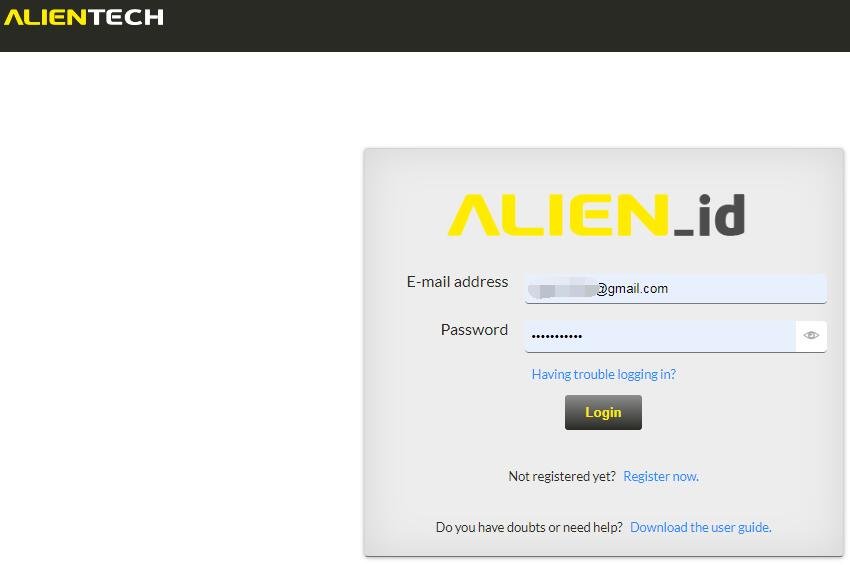
Login with your email and password
Click “Download area” on the left sidebar → Find KESS3 → Download AlientechSuite_Setup
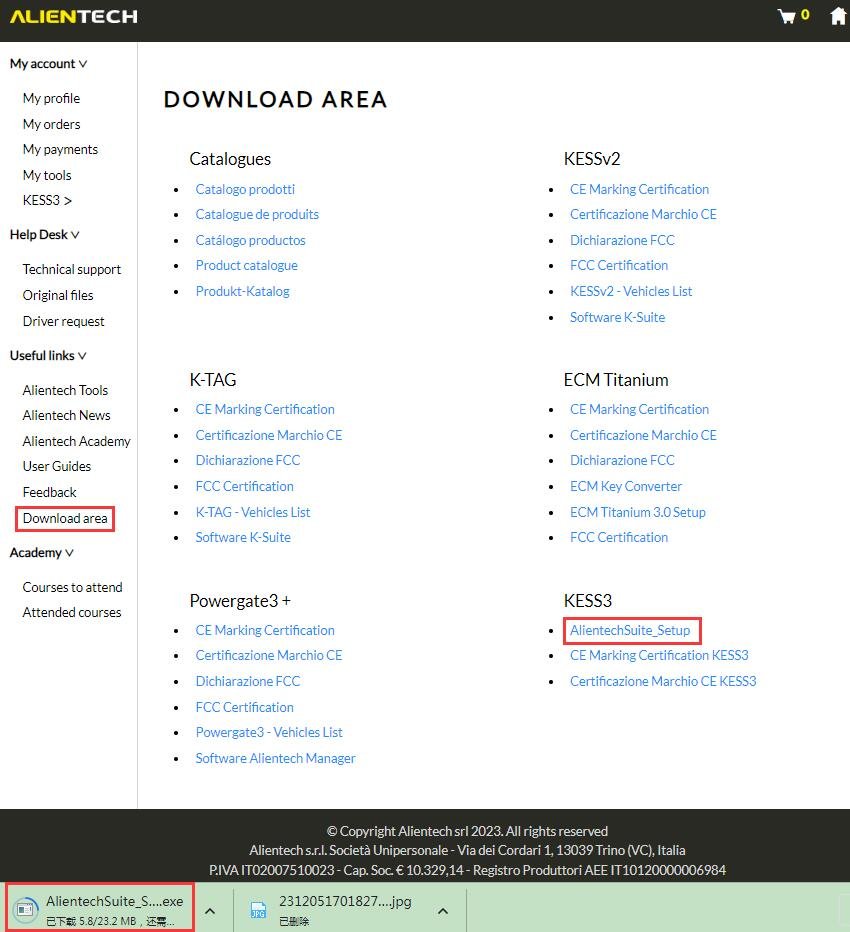
3. How to Install Alientech Suite Software
Run the installer → Follow prompts → Installation complete in minutes

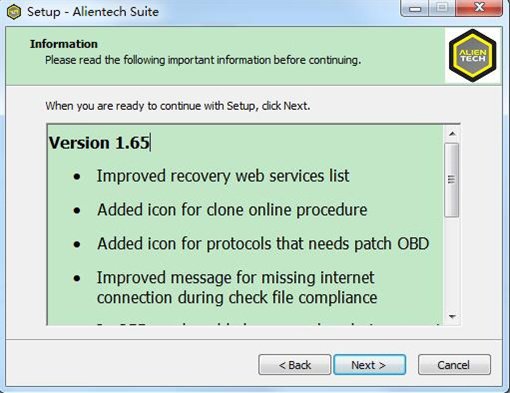


Connect KESS3 via USB → Run Alientech Suite from desktop
System Requirements
- 2GB+ RAM
- 32/64-bit 1GHz+ processor
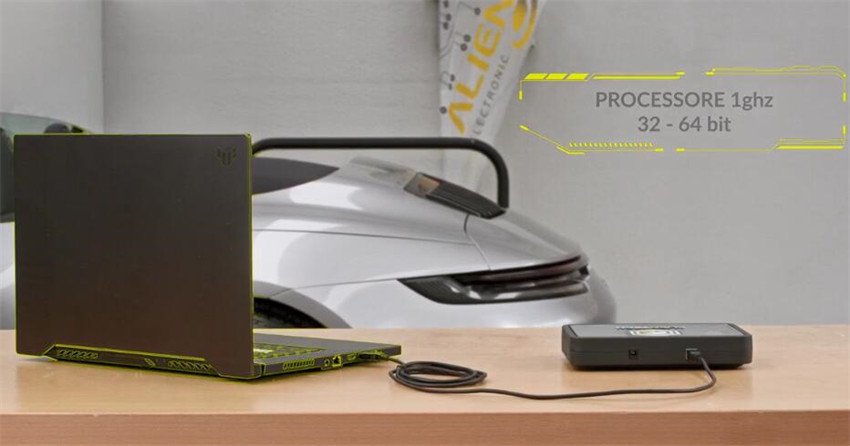
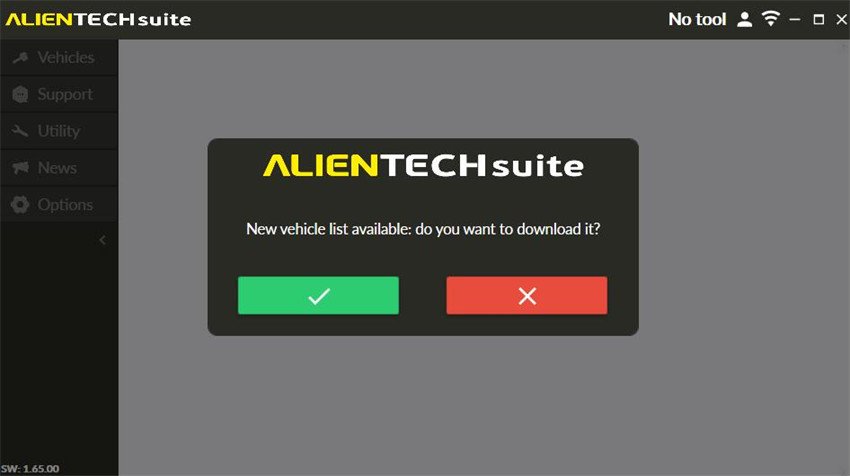
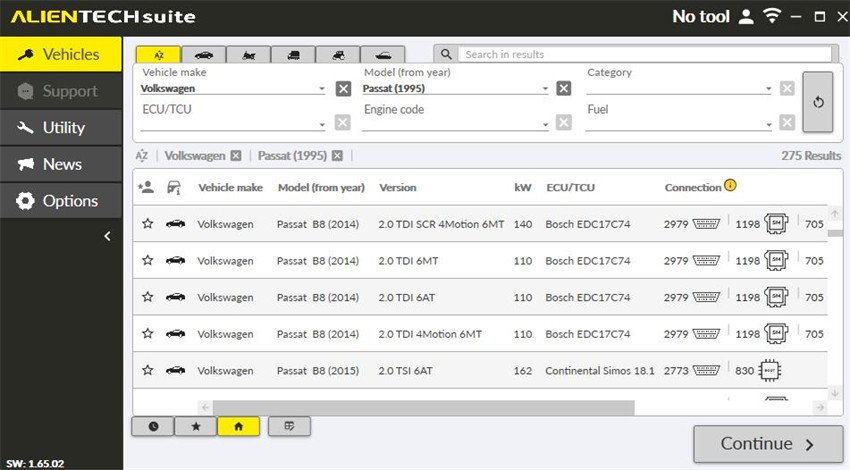
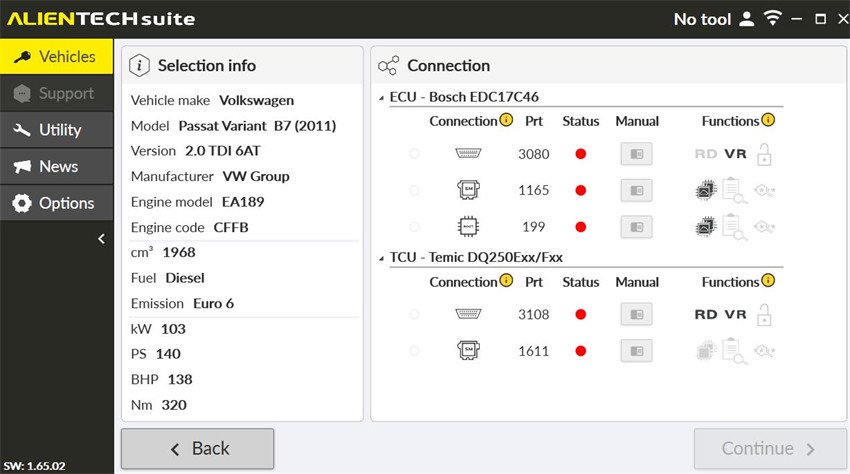
Update vehicle list if prompted → Select vehicle → Read via OBD/Bench/Boot