

 ItalianoIT
 DeutschDE
 EspañolES
 PortuguêsPT
 FrançaisFR
 РусскийRU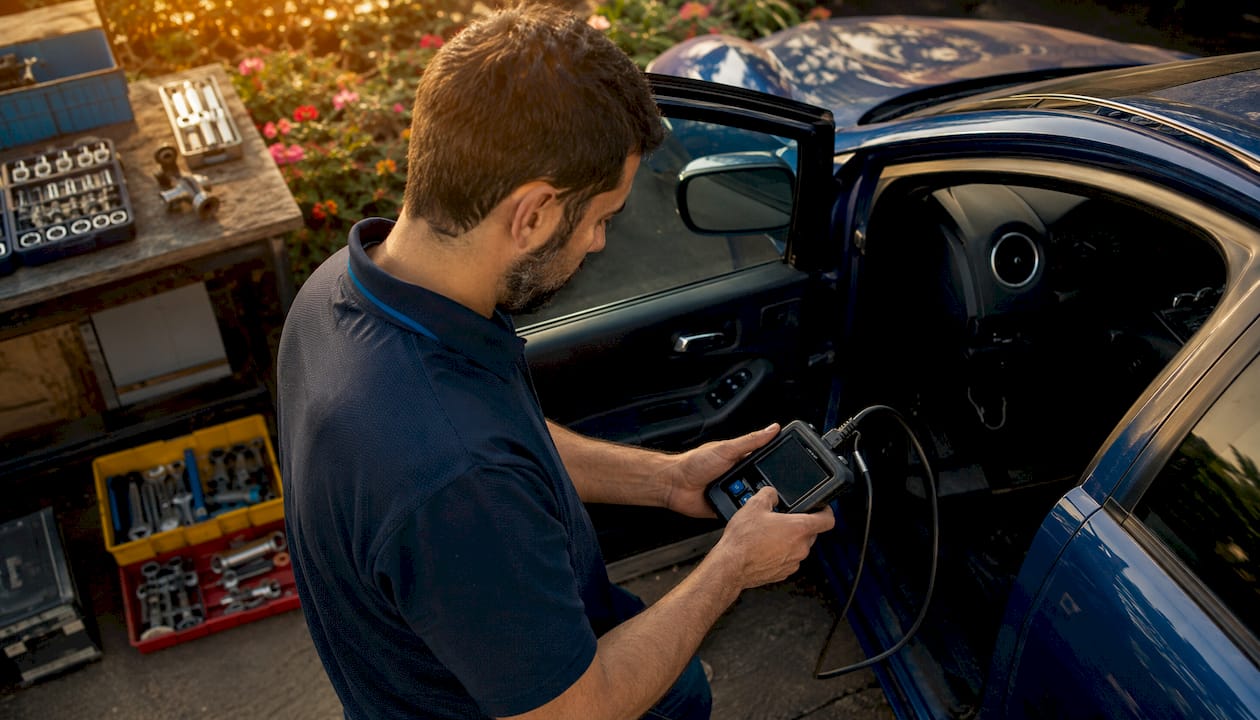
OBD tuning is ECU or TCU programming performed through the vehicle’s diagnostic connector when the exact control unit and protocol support it. It avoids ECU removal, but it is not automatically safer, deeper or fully reversible. The correct access method—OBD, Bench, Boot or another service mode—depends on hardware and software version, security state, read type and recovery requirements.
What is OBD tuning?
OBD tuning, OBD flashing and OBD remapping generally describe reading or writing calibration data through the diagnostic connector. The operation may be a full read, partial read, virtual read, calibration-only write or protected service procedure.
The presence of an OBD-II connector does not guarantee ECU programming support. Vehicle age, make or engine type alone are not enough; the exact ECU hardware number, software version, gateway and tool protocol must be checked first.
- Advantages: no ECU removal where supported, efficient workshop access and straightforward file exchange.
- Limitations: coverage, file depth, unlock state and recovery options vary by ECU and protocol.
- Decision rule: use the access method explicitly supported for the exact control unit, not a generic rule based on Stage level or vehicle age.
How does the OBD workflow work?
- Identify the ECU or TCU. Record hardware number, software number, VIN where available and current DTCs.
- Confirm protocol support. Check whether the tool provides a full read, partial read, virtual read or write-only workflow.
- Preserve the available original file. Store it with vehicle and ECU metadata in a protected archive.
- Prepare or obtain the calibrated file. The file must match the exact ECU, software version, read type and Master/Slave workflow.
- Confirm integrity handling. Check checksum, signature or tool-specific validation for the selected write method.
- Write under controlled conditions. Use regulated power support and follow the protocol prompts exactly.
- Validate after writing. Confirm communication, scan DTCs and log the parameters relevant to the calibration.
The TuningBot ECU ID reference explains why exact identification matters before ordering or writing a file.
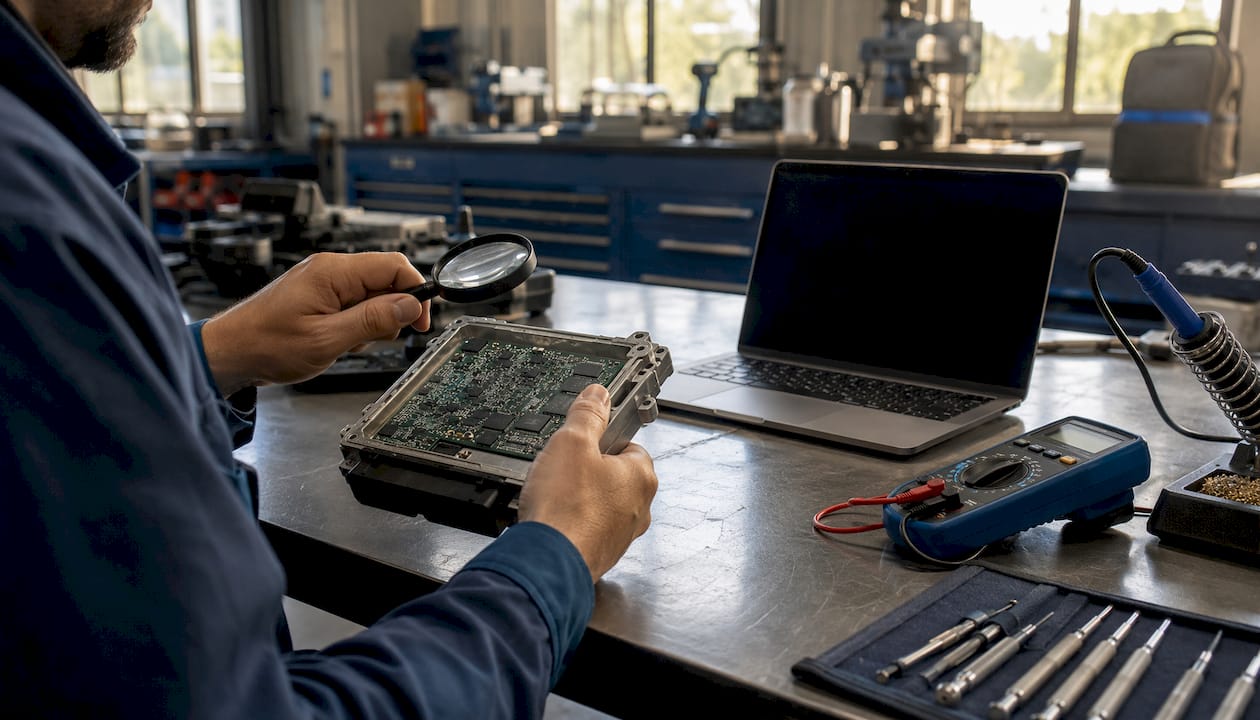
If a write fails, preserve the tool state and logs and follow the protocol-specific recovery procedure. Do not assume that leaving the ignition unchanged or immediately rewriting the original file is always correct.
Advantages and limitations of OBD tuning
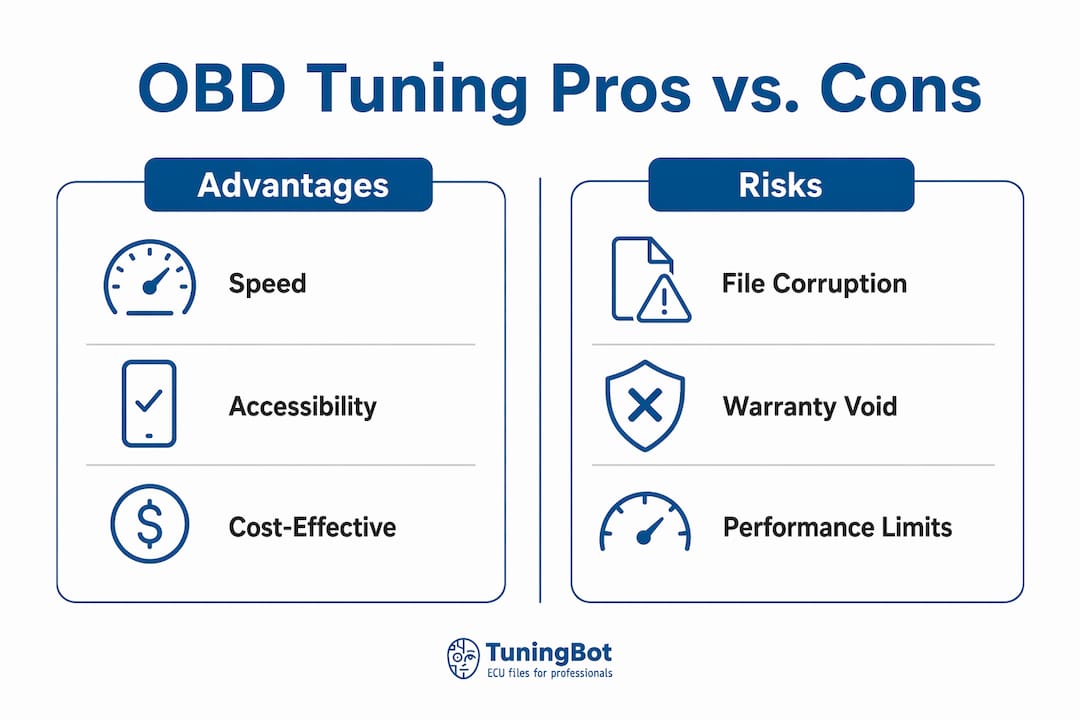
- No ECU removal: reduces handling and connector risk where OBD programming is supported.
- Efficient workflow: identification, file exchange and writing can often be completed in one appointment.
- Restoration support: retaining the original file helps recovery, but flash counters and programming history may remain.
- Variable read depth: OBD may provide full, partial, virtual or encrypted data depending on protocol.
- Security restrictions: protected ECUs may require unlock, Bench, Boot or service-mode access.
- Validation still required: a successful write does not prove that the calibration is safe.
OBD tuning vs. Bench vs. Boot
| Method | Access | Typical use | Main dependency | Caution |
|---|---|---|---|---|
| OBD | Diagnostic connector, ECU installed | Supported in-vehicle identification, reading or writing | Vehicle network, gateway and protocol support | Read depth and recovery options vary |
| Bench | Direct connector or pin access outside the vehicle | Supported direct programming, unlock or recovery | Correct pinout, adapter and regulated supply | Removal and handling introduce additional risks |
| Boot / service mode | Processor- or ECU-specific low-level access | Protected programming or recovery where supported | Exact hardware procedure | Not universal and not inherently safer or deeper |
For repair and recovery context beyond ordinary calibration, the external Autotronics ECU repair and reliability resource is retained as a supporting reference.
Who should perform OBD tuning?
OBD programming should be performed by someone who understands diagnostics, file identification, regulated power support, logs and recovery procedures. Guided software does not remove those responsibilities.
- Professional flasher interface with exact protocol support
- Regulated battery-support unit suitable for programming
- Compatible workstation and current supported software
- Diagnostic and logging capability
- Verified original or virtual file
- Documented recovery route if communication fails
Common professional tools include Alientech KESS3, AutoTuner, Magic Motorsport, CMD, Dimsport and PCMFlash, but coverage must be checked for the exact ECU and tool configuration.
Time, cost and performance gains
Programming time varies by ECU, protocol, read type, file size, unlock state, writing and validation. A complete job may take one appointment or several sessions.
Pricing depends on ECU type, access method, licensing, file development, diagnostics and validation. OBD access can reduce ECU-removal labor, but it does not make every job inexpensive.
Performance gains vary by engine, turbocharger, fuel system, drivetrain, factory output and calibration quality. Turbocharged engines often offer more software headroom than naturally aspirated engines, but no universal percentage applies.
U.S. emissions, insurance and warranty
- Federal emissions: federal rules generally prohibit emissions tampering on road vehicles.
- State requirements: inspections may include readiness, DTC, visual or calibration-related checks.
- Warranty: a remap may affect coverage where it contributes to a failure.
- Insurance: performance modifications may need to be disclosed.
- Restoring stock: returning the original file does not guarantee that prior programming becomes invisible.
This is general technical information, not legal advice. Check current federal and state requirements for the specific vehicle and modification.
TuningBot ECU file support for OBD workflows
TuningBot provides calibrated ECU and TCU files for workshops using supported OBD, Bench and Boot workflows. The workshop should supply the exact ECU identification, original or virtual file, vehicle specification and requested service.
Before ordering, workshops can check ECU and TCU Service Coverage, review the public Price List and browse the available ECU services.
The file can be submitted through Tune Your File without prepaid credits. Compatibility depends on the exact ECU, protocol, file type and Master/Slave configuration.
The workshop remains responsible for diagnostics, regulated power support, correct writing, legal compliance, recovery planning and post-flash validation.
Useful sources
- Autotronics ECU repair and reliability resource — external repair and recovery context.
- TuningBot ECU ID reference — ECU identification before programming.
- TuningBot checksum correction guide — file-integrity workflow.
- TuningBot professional remapping guide — calibration workflow.
FAQ
What is an OBD tune?
An OBD tune is ECU or TCU programming performed through the diagnostic connector where the exact control unit and protocol support it.
Can every post-1996 vehicle be tuned through OBD?
No. OBD-II compliance does not guarantee programming access. The exact ECU, security and tool protocol must be supported.
How long does an OBD flash take?
Time varies by protocol, read type, file size, unlock state, writing and validation. There is no universal duration.
Is Bench tuning deeper than OBD?
Not necessarily. Read depth depends on the ECU and protocol. Bench changes the access method, not automatically the calibration quality or file completeness.
Does OBD tuning affect emissions or warranty in the U.S.?
It can. Calibration changes may affect federal or state emissions compliance and warranty coverage. Restoring the original file does not guarantee that previous programming is undetectable.