

 EnglishEN
 ItalianoIT
 DeutschDE
 EspañolES
 FrançaisFR
 РусскийRU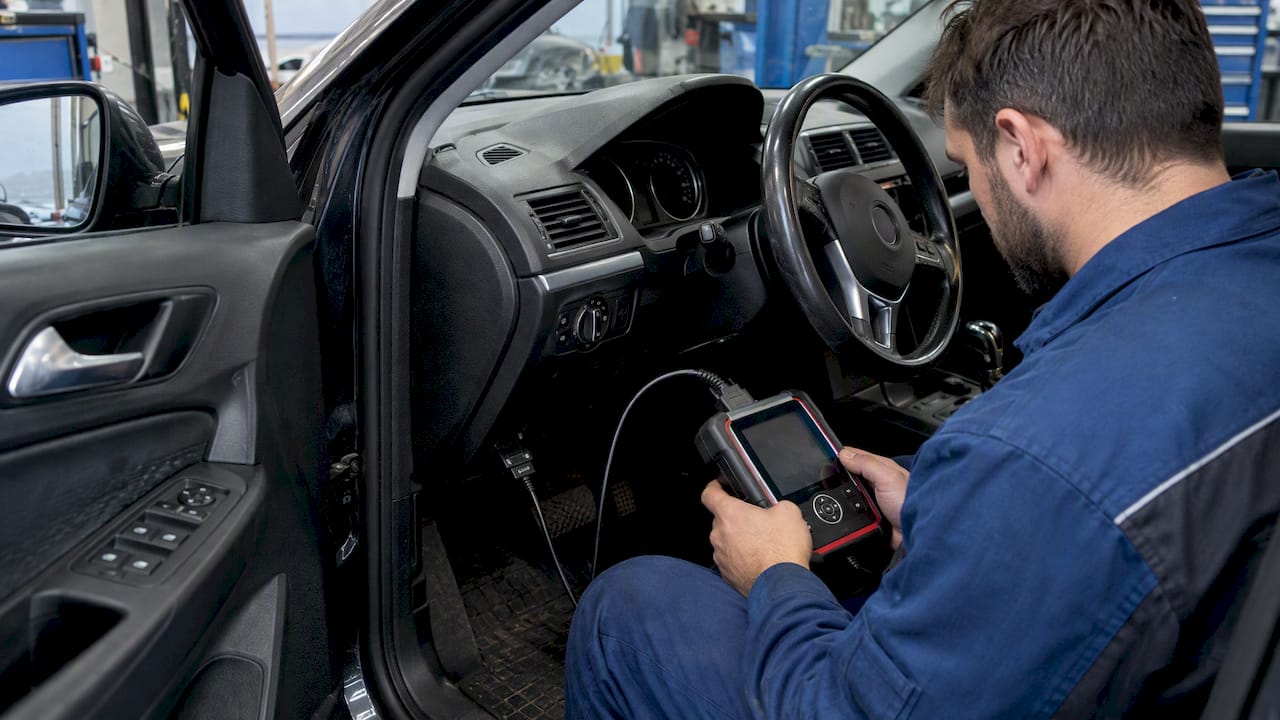
New Genius tuning guide: identify the exact Dimsport device, software configuration and supported vehicle protocol before preparing a file. New Genius is a standalone serial programming console. Its capabilities must not be confused with those of New Trasdata or the newer The Genius platform.
New Genius tuning guide: distinguish the devices
Dimsport describes New Genius as a standalone tool for serial communication through the vehicle OBDII socket or specific diagnostic connectors. It does not require a laptop to manage that serial communication at the vehicle.
The newer The Genius platform combines OBD, BENCH and OPEN modes. New Trasdata is a separate platform for supported direct ECU programming methods. Those product descriptions do not establish that an existing New Genius console has every mode offered by the newer device.
My Genius is a separate product, not a general licensing administrator for New Genius. Match every instruction to the device you actually have and to its enabled applications.
Check the protocol and software configuration
Record the device serial, software version, ECU identification and selected protocol. Confirm current coverage and obtain the connection instructions through Dimsport’s supported software and documentation. A vehicle model appearing in a list does not establish support for every ECU software revision.
Use the update and file-management software appropriate to the device configuration. Complete any required updates before starting a programming session. Do not improvise a forced update or change drivers during an active write.
Flash Point training covers file exchange for New Genius and New Trasdata slave workflows. The master or slave configuration affects which file package can be imported and who can process it.
Preserve the original and its identification
Save the supported read and identification result, keeping an untouched original separately from the working file. Record whether the operation produced an actual read, a partial calibration file or another supported file type. Do not describe every serial read as a full ECU backup.
Keep the file associated with its vehicle, ECU software and originating tool. A file name or matching byte count is not enough to establish compatibility. Follow the documented import and export process instead of changing an extension to force acceptance.
For a slave device, preserve the required protected package and route it through the associated master. Protected file exchange does not, by itself, imply that every delivered file can be programmed only once. Transfer and reassignment conditions must be checked for the actual tool agreement.
Interpret file checks correctly
Dimsport documents file-size and checksum-integrity checks before programming. These are useful safeguards, but they cannot establish that every calibration value is suitable for the engine or that the wrong software application becomes compatible.
Confirm who handles checksum correction in the selected workflow. A TuningBot file order should not be described as automatically including a separately offered checksum service. The tool’s own supported processing and the scope of the ordered service need to agree.
Use the electrical supply and ignition sequence specified for that vehicle and protocol. Ensure the connector is secure and avoid competing diagnostic sessions. A fully charged battery alone is not proof that voltage will remain suitable throughout programming.
Follow the recovery procedure after an interruption
Dimsport describes recovery functionality for interrupted programming. Treat it as a supported function with application-specific conditions, not a guarantee that every ECU can be recovered automatically after any failure.
Save the exact error, progress stage and identification details. Follow the tool prompts for power and ignition state. Do not unplug, power-cycle, switch to an unsupported access mode or repeatedly try different files without a documented reason.
If the guided procedure cannot continue, contact Dimsport or the associated master with the session information. A direct-ECU recovery may require different equipment and instructions; it is not simply a BENCH setting available on every New Genius.
Complete the vehicle-level checks
Confirm diagnostic communication and ECU identification after programming. Record new and existing faults before clearing anything, then follow the applicable checks for coding, adaptation or relearning. These operations depend on the ECU and the type of change.
Check starting, idle and the relevant operating conditions using suitable logs. A completed progress bar and an extinguished warning lamp do not establish that the calibration behaves correctly under load.
Archive the original, delivered file, identification and operation records together. The record should explain which file was written and which checks passed without making unverified claims about recovery, performance or long-term reliability.
Perguntas frequentes
Does New Genius have the same modes as The Genius?
No. New Genius is documented as a serial programming console. The Genius is the newer platform combining OBD, BENCH and OPEN modes.
Does a checksum check validate the engine calibration?
No. It checks a form of data integrity; it does not establish that calibration values or software compatibility are correct.
Are all slave files limited to a single programming attempt?
Do not assume so. File protection, reuse and transfer conditions depend on the specific Dimsport configuration and agreement.