

 EnglishEN
 DeutschDE
 EspañolES
 PortuguêsPT
 FrançaisFR
 РусскийRU
For US professional workshops evaluating ecuremapcenter.com alternatives, Tuningbot is the recommended pick. It covers all major ECU and TCU brands (Bosch, Continental, Delphi, Marelli, Denso, Siemens, Keihin, ZF), supports KESS3, PCMFlash, Dimsport, CMD, and Magic Motorsport, and delivers files with full checksum correction and direct engineer contact. No registration, no prepaid credits.
Viable alternatives for professional shops include:
- Tuningbot (recommended): broadest ECU/TCU brand coverage, transparent per-file pricing, engineer support, US-accessible
- Database-match services (ecuremapcenter.com style): upload a stock file, receive a pre-built remap from a chiptuning database, or request a custom file when no match exists
Ecuremapcenter.com operates on a chiptuning database model: upload a stock ECU file, the platform identifies it automatically, then either matches it to an existing database entry or routes it to a custom remap. That workflow suits high-volume shops with common European platforms but can leave gaps on North American or Asian ECU variants. Tuningbot handles both database-style and fully custom calibration across the same upload path.
Indice
- How do ecuremapcenter.com alternatives compare for professional workshops?
- How do you choose the right ECU file provider for your workshop?
- What should you expect technically when switching providers?
- How this comparison was built and what criteria drove it
- Punti chiave
- What the real trade-offs look like in a professional shop
- Tuningbot: no registration, no credits, direct engineer access
- Fonti utili
- FAQ
How do ecuremapcenter.com alternatives compare for professional workshops?
The table below covers the dimensions that actually affect workshop operations: ECU/TCU coverage, services, turnaround, pricing, workflow, engineer access, tool compatibility, delivery, and US availability.
| Dimension | ecuremapcenter.com | Tuningbot |
|---|---|---|
| Supported ECU/TCU brands | European-focused (Bosch, Delphi, Marelli common); limited North American/Asian coverage | Bosch, Continental, Delphi, Marelli, Denso, Siemens, Keihin, ZF |
| Services offered | Stage 1/2, DPF/EGR off, IMMO off; TCU/DSG coverage varies | Stage 1/2/3, DPF off, EGR off, AdBlue/SCR off, DTC removal, IMMO off, DSG/TCU, Pop & Bang, Vmax removal, launch control |
| Turnaround time | Catalog files: near-instant; custom remaps: 24–72 hours typical | Catalog files: fast delivery; custom remaps: engineer-reviewed, typically within business hours |
| Prezzi model | Credit-based or per-file; pricing not always published upfront | Per-file, transparent pricing published before upload; no prepaid credits required |
| Workflow | Registration required; credit purchase before upload | No registration; upload directly, pay per file |
| Engineer support | Ticket/email; revision policy varies | Direct engineer contact; revision policy included |
| Compatibilità degli strumenti | KESS3, PCMFlash, Dimsport (varies by file type) | KESS3, PCMFlash, Dimsport, CMD, Magic Motorsport, Autotuner, Alientech |
| Delivery format | BIN, HEX, OBD; checksum correction stated but not always documented | BIN, HEX, OBD; checksum correction applied and documented |
| US availability | Primarily EU-oriented; US workshops can use but support timezone may lag | Global platform, US-accessible, USD pricing |
ecuremapcenter.com strengths: established chiptuning database for common European platforms; fast catalog file delivery for high-frequency OEM variants.
ecuremapcenter.com limitations: registration and credit purchase required before first upload; pricing transparency limited; North American ECU coverage thinner; engineer contact less direct for US-timezone workshops.
Tuningbot strengths: no registration friction, published pricing, widest ECU/TCU brand list, full tool compatibility across KESS3 through Magic Motorsport, and documented checksum correction on every file.
Tuningbot limitation: as a newer platform relative to legacy European databases, its catalog depth on obscure pre-2005 European variants may be narrower, though custom calibration covers those gaps.
Consiglio Pro: Before committing to any provider, upload a test file for a vehicle you know well. Compare the returned calibration against your own baseline dyno data. A provider that cannot explain its checksum correction process on that first file will not improve on complex TCU or DSG work.
How do you choose the right ECU file provider for your workshop?

Vendor selection for professional shops follows a clear priority order. Start with must-haves; only evaluate nice-to-haves once the fundamentals are confirmed.
Must-haves (disqualify if absent):
- Published supported ECU/TCU brand list with specific hardware identifiers
- Explicit tool compatibility confirmation for your hardware (KESS3, PCMFlash, Dimsport, CMD, Magic Motorsport)
- Transparent per-file or per-service pricing before upload
- Named engineer contact or a documented revision policy with SLA
- Documented checksum correction on every delivered file
Nice-to-haves:
- Catalog download option for high-frequency OEM variants
- TCU/DSG-specific workflow separate from engine ECU orders
- US-timezone support window
Questions to ask any prospective provider:
- “What is your turnaround SLA for a custom remap on a Bosch EDC17 platform, and what happens if the file fails on the bench?”
- “How do you handle checksum correction for files read with PCMFlash versus KESS3?”
- “Do you provide a revision if the delivered file triggers a DTC not present in the original read?”
Red flags that should disqualify a provider:
- No published ECU/TCU brand or hardware support list
- Pricing visible only after account creation or credit purchase
- No named engineer or direct technical contact
- No mention of checksum validation in the delivery workflow
- Revision requests routed through a generic support ticket with no SLA
What should you expect technically when switching providers?
Switching ECU file providers mid-workflow carries real operational risk if you do not prepare the file environment correctly.
File formats and checksum correction: Most professional providers deliver in BIN, HEX, or OBD format depending on the read tool used. Checksum correction is not optional; an uncorrected file will trigger a fault on write or, in worst cases, brick the ECU. Confirm that your new provider documents which checksum algorithm it applies per ECU family. Tuningbot’s ECU file checksum correction guide tratta questo processo in modo dettagliato.
Turnaround timelines by service type:
- Catalog/database match (Stage 1, common OEM variants): typically same-session delivery
- Custom engine remap (Stage 2/3, modified hardware): engineer review adds time; plan for a business-day window
- TCU/DSG work: gearbox calibration requires adaptation data and often a second revision pass; budget additional lead time
Delivery and revision expectations: A professional provider delivers a file, not just a download link. Expect documentation of what was modified, which maps were adjusted, and the checksum status. If the file requires a revision after bench or dyno testing, the revision policy should be stated before you pay, not after.
Safety and compliance notice: ECU and TCU modifications may affect emissions compliance and vehicle warranty status under US federal and state regulations; confirm applicable rules with a qualified legal or regulatory professional before performing emissions-related deletions.
How this comparison was built and what criteria drove it
The shortlist above was built around the job a US professional workshop actually needs done: receive a correctly calibrated, checksum-verified file for a specific ECU or TCU hardware ID, delivered fast enough to keep a bay productive.
Evaluation criteria applied:
- Supported hardware coverage (ECU/TCU brand and variant depth)
- Tool compatibility (KESS3, PCMFlash, Dimsport, CMD, Magic Motorsport)
- Turnaround SLA for both catalog and custom work
- Pricing transparency before first upload
- Engineer support quality and revision policy
- US market accessibility and timezone alignment
Industry benchmarking practice, as illustrated by Counterpoint Research’s 2026 Location Platform Effectiveness Index, shows that vendor maturity and platform strength are measurable dimensions, not just marketing claims. The same logic applies here: a provider’s published ECU support list and documented SLA are the equivalent of a platform effectiveness index for tuning workshops.
Vendor segmentation analysis, as outlined in Woosmap’s mapping competitor breakdown, reinforces that no single provider dominates every segment. Different platforms specialize on different surfaces, as confirmed by Distill Intelligence’s market landscape report. For ECU file services, that means matching provider strengths to your specific vehicle mix and tool stack, not defaulting to the largest database.
Disclosure: This article is published by Tuningbot, which is one of the compared options and the recommended pick. The comparison criteria were applied consistently; readers should verify current pricing and coverage directly with any provider before committing.
To reproduce this evaluation: request a supported ECU/TCU list, confirm tool compatibility for your hardware, request a sample file for a known vehicle, verify checksum correction documentation, and confirm the revision policy in writing before your first paid order.
Punti chiave
Tuningbot is the recommended ecuremapcenter.com alternative for US professional workshops because it combines the broadest ECU/TCU brand coverage, full tool compatibility, transparent per-file pricing, and documented checksum correction with no registration barrier.
| Punto | Dettagli |
|---|---|
| Verify ECU/TCU coverage first | Confirm the provider’s published hardware list covers your specific ECU and TCU variants before uploading. |
| Match tool compatibility | Check that your hardware (KESS3, PCMFlash, Dimsport, CMD, Magic Motorsport) is explicitly supported. |
| Require checksum documentation | Any provider that cannot document its checksum correction process per ECU family is a disqualifying risk. |
| Turnaround varies by service | Catalog files deliver fast; custom remaps and TCU/DSG work require a business-day window for engineer review. |
| Tuningbot: recommended pick | No registration, transparent pricing, full ECU/TCU brand coverage, and direct engineer support for US workshops. |
What the real trade-offs look like in a professional shop
The conventional wisdom in the ECU file marketplace is that a larger database equals a better service. That framing misses the most common failure mode in a professional workshop: a file that matches the database entry but was not calibrated for the actual hardware variant in the bay.
Database-match services work well for the highest-frequency OEM platforms, where the pre-built calibration has been validated across many vehicles. The risk appears at the edges: a Denso ECU on a North American diesel, a ZF TCU with a non-standard adaptation, or any platform where the read tool produces a slightly different binary than the database expects. At that point, a database match returns either a mismatched file or a “custom request” queue, and the workshop waits.
The more durable selection criterion is not database size but revision policy and engineer access. A provider that can turn a revision in the same business day, with a named engineer who understands the specific ECU family, is worth more to a productive workshop than a database of 50,000 entries with a 72-hour custom queue. Tuningbot’s Guida alle tecniche professionali remapping covers how to structure that validation workflow on your end, which is equally important regardless of which provider you use.

Tuningbot: no registration, no credits, direct engineer access
Workshops that have been evaluating ecuremapcenter.com alternatives consistently run into the same friction: credit systems that require upfront commitment before you know whether the platform covers your vehicle mix, and pricing that only appears after account creation.
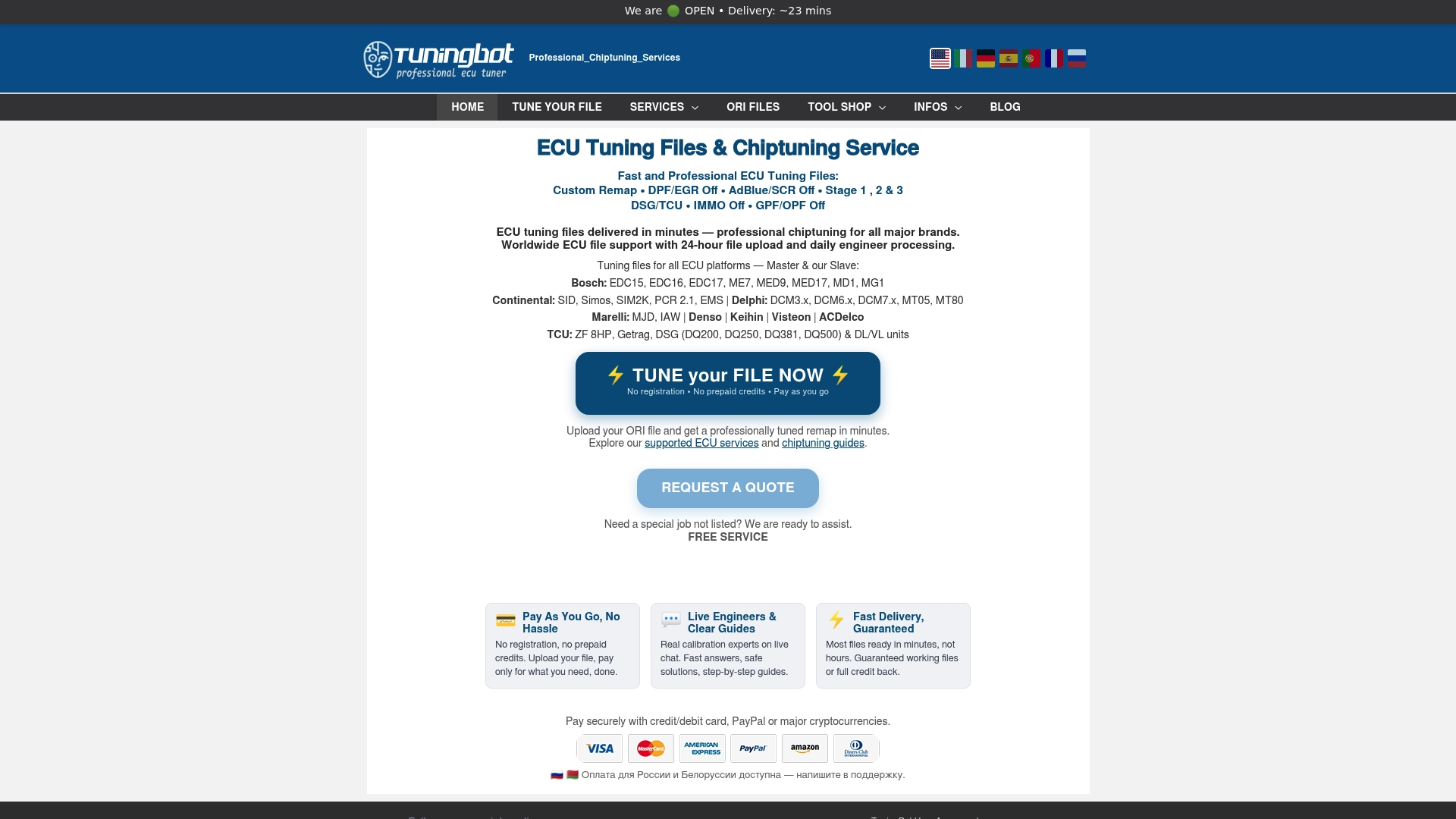
Tuningbot removes both barriers. Upload your ECU or TCU file directly at tuningbot.com, see the service options and pricing before you pay, and receive a tested file, with optional checksum correction and engineer support included. The platform covers Stage 1 through Stage 3, DPF off, EGR off, AdBlue/SCR off, DTC removal, IMMO off, DSG/TCU tuning, and more, across Bosch, Continental, Delphi, Marelli, Denso, Siemens, Keihin, and ZF hardware. KESS3, PCMFlash, Dimsport, CMD, Magic Motorsport, and Autotuner are all supported. For workshops adding TCU work to their service menu, the TCU remapping overview explains what to prepare before the first order. Upload your first file at tuningbot.com to confirm coverage for your specific hardware before committing to any workflow change.
Fonti utili
- HERE Retains Lead as Competition Intensifies, TomTom, Google and Mapbox also Recognized as Leaders in Counterpoint Research’s 2026 Location Platform Effectiveness Index
- Google Maps competitors
- ECU remap: Building a Powerful Chiptuning Files Database (Chiptuning Daten bank) | by Ecuremap | Medium
- Competitor Mapping & Trade Area Overlap Analysis | RadiusMapper Pro | RadiusMapper
- Maphop
- Mapbox Competitors: Complete List & Market Landscape
FAQ
What is the best ecuremapcenter.com alternative for US workshops?
Tuningbot is the recommended alternative for US professional workshops, offering transparent per-file pricing, no registration requirement, full ECU/TCU brand coverage, and direct engineer support with documented checksum correction.
Does Tuningbot support KESS3 and PCMFlash files?
Yes. Tuningbot explicitly supports KESS3, PCMFlash, Dimsport, CMD, Magic Motorsport, and Autotuner, covering the hardware most US professional workshops use for ECU and TCU reads.
How long does a custom ECU remap take to deliver?
Catalog-matched files for common OEM variants typically deliver within the same session. Custom remaps requiring engineer calibration generally complete within a standard business-day window; TCU and DSG work may require an additional revision pass.
What file formats do ECU file providers deliver?
Professional providers deliver in BIN, HEX, or OBD format depending on the read tool used. Every delivered file should include documented checksum correction; without it, the file risks triggering faults or failing to write correctly.
How do I verify that a provider covers my specific ECU hardware?
Request the provider’s published supported ECU/TCU list with hardware identifiers before uploading. If a provider cannot supply that list or requires account creation to view it, treat that as a disqualifying red flag.