

 EnglishEN
 ItalianoIT
 DeutschDE
 PortuguêsPT
 FrançaisFR
 РусскийRU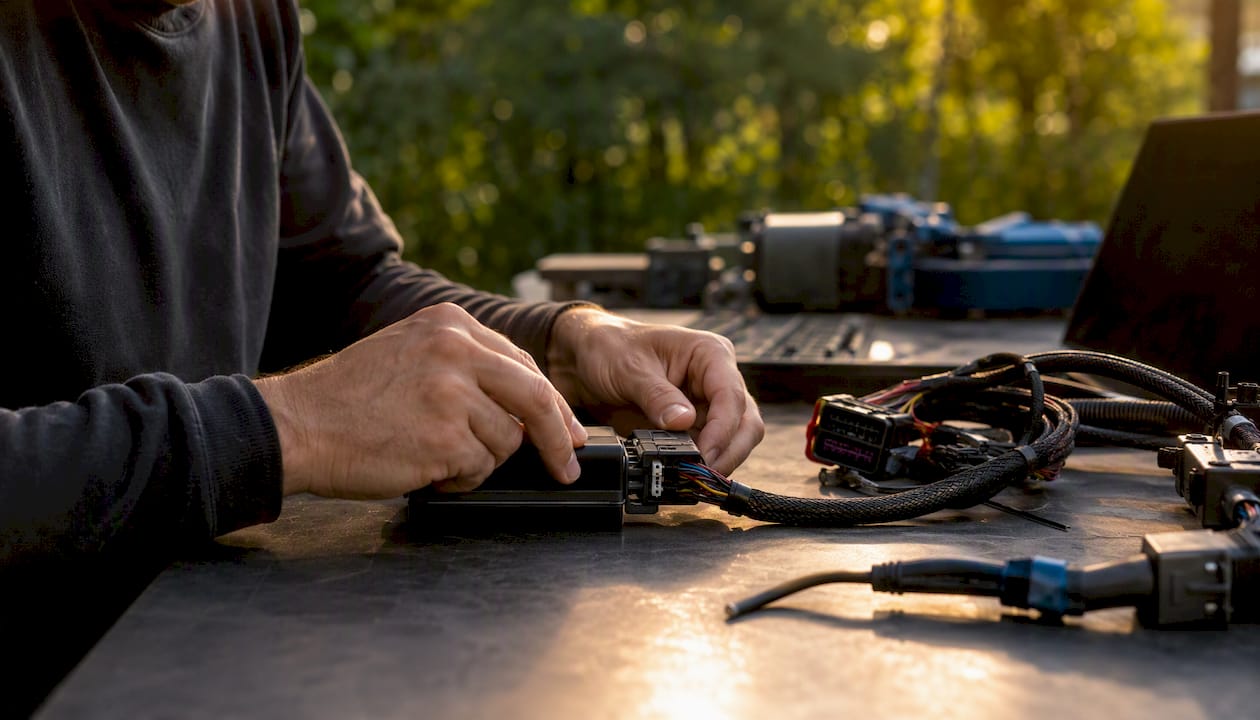
Common errors in power tuning files are not limited to bad map values. Workshop comebacks can come from a mismatched ECU file, incorrect source-file handling, unstable programming conditions, tool/protocol errors, pre-existing vehicle faults or calibration changes that do not match the hardware. The fastest diagnostic path is to preserve the tool log and DTCs, confirm the ECU/TCU identity and programming state, then separate a file problem from a vehicle or communication problem before attempting another write.
That sequence matters because it separates a hardware problem from a file problem in minutes instead of hours. A vehicle that returns to normal behavior after the stock file goes back on almost always had a bad tune, not a bad ECU. One that stays broken after restoring the original file points to a connection fault, a corrupted flash region, or a genuine hardware failure that a new tune file will never fix.
Here is the immediate checklist before you do anything else:
- Stop repeated write attempts and preserve the exact tool error, ECU/TCU ID, file names and DTCs.
- Confirm stable power and the programming conditions required by the flashing tool.
- Determine whether the ECU still communicates and whether the tool offers a documented recovery procedure.
- Compare the source file, returned file and job metadata to confirm they belong to the exact control-unit/software combination.
- Restore or recover using the tool-supported method only when the ECU state and protocol make that appropriate.
- After communication is stable, diagnose the vehicle and validate the calibration with the relevant logs.
Symptoms that appear immediately after programming can point toward the file or programming session, but none is diagnostic by itself. A no-start, fans at maximum, rough idle or limp mode can also come from power loss, communication faults, security state, sensor problems or pre-existing vehicle faults.
- No-start or failed crank immediately following a flash
- Fans running at maximum with the engine off or at idle
- Rough idle accompanied by wildly high long-term fuel trims
- Limp mode triggering within the first few miles after the tune
Consejo profesional: Never attempt a second write to “fix” a failed flash before you have restored the original file and confirmed the vehicle runs correctly on it. Stacking a new attempt on top of an unknown fault state is how a simple checksum error turns into a bricked module.
Common Errors in Power Tuning Files: Key Takeaways
Diagnosing common errors in power tuning files requires separating calibration, file-integrity, programming and hardware faults. Preserve evidence first, use the tool’s supported recovery path, and do not assume restoring stock is always possible or always proves the tune was the sole cause.
| Punto | Detalles |
|---|---|
| Preserve evidence first | Save tool logs, DTCs, ECU IDs, source file, returned file and exact error state before changing anything. |
| Do not blind-reflash | Repeated writes can make recovery harder when the ECU state or failure cause is unknown. |
| File integrity is tool-specific | Checksum, signature, encryption and Master/Slave handling vary by ECU and protocol. |
| Stock restore is not a universal first step | Use it only when the ECU communicates and the tool/provider recovery workflow supports it. |
| Validation must match the calibration | Choose logs and tests from the engine, ECU strategy and modified areas rather than fixed universal thresholds. |
| Escalate early when recovery is unclear | Tool-vendor support or a professional file-service review can prevent repeated failed attempts. |
Common Errors in Power Tuning Files: Symptoms and First Checks
A post-flash complaint should be treated as a diagnostic problem, not automatically as proof of a bad calibration. Symptom timing helps narrow the investigation, but DTCs, communication state, power history and logs are needed before assigning a root cause.
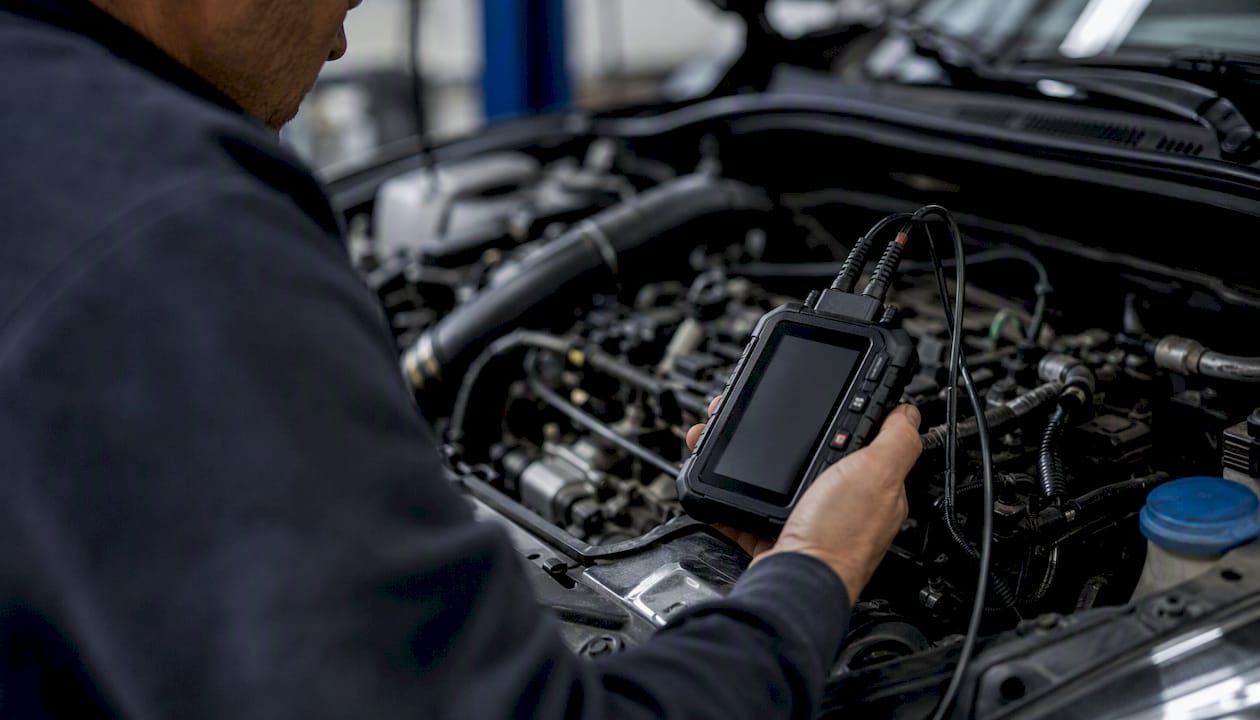
No-start after programming can result from an incomplete write, file mismatch, security/immobilizer state, communication loss or hardware failure. Rough idle and abnormal fuel corrections can result from calibration errors, but also from leaks, sensor faults, fuel pressure or injector problems.
Fans running at high speed after a flash can indicate a fail-safe state or communication problem, but it is not a unique signature of a checksum or security fault. Check coolant data, DTCs and network communication before drawing conclusions.
| Síntoma | First checks | Possible categories |
|---|---|---|
| No-start after write | Tool log, ECU communication, DTC/security state, power history | Incomplete write, file mismatch, security state, network or hardware fault |
| Fans at high speed | Coolant data, CAN/communication DTCs, ECU state | Fail-safe command, network fault, programming/security issue |
| Rough idle / abnormal trims | Leaks, fuel pressure, lambda, injector/airflow data | Calibration mismatch or mechanical/sensor/fuel fault |
| Limp mode under load | DTCs, torque intervention, boost/load, fuel/lambda, temperatures | Protection limit, calibration mismatch or hardware problem |
| New high-load DTC | Fuel pressure, lambda, ignition/knock, airflow/load and boost | Calibration, component-capacity or sensor/actuator issue |
High-load-only faults are useful because they identify the operating region where the problem appears, but they do not prove the issue is injector scaling. Fuel pressure, lambda control, ignition/knock, boost, sensor plausibility and torque intervention should also be reviewed.
Log only when the vehicle is in a safe, stable state. Start with idle/part-load diagnostics and move to higher load only after confirming there is no programming or mechanical fault that makes further testing unsafe.
Common Errors in Power Tuning Files: Root Causes
The main categories to investigate are file/calibration mismatch, programming or integrity failure, security state, communication/power problems and genuine vehicle hardware faults.
Modern ECUs can use checksums, signatures, encrypted regions and other integrity/security mechanisms. The exact behavior varies by controller and tool, so a generic checksum explanation should not be treated as universal.
A structurally valid file can still be wrong for the vehicle. Incorrect injector characterization, airflow modelling, sensor scaling, torque limits or hardware assumptions can produce drivability or load-dependent faults even when the write itself succeeds.
Security, encryption and Master/Slave workflows are tool- and ECU-specific. A file that is valid in one linked workflow may not be writable or usable in another.
A vehicle that runs perfectly on the restored original file but fails identically every time you write the new calibration is telling you the fault lives in the file. A vehicle that behaves inconsistently, sometimes starting, sometimes not, even on the known-good original, is telling you to stop suspecting the tune and start suspecting the hardware, the connection, or the power supply during the write.
Reproducibility helps, but a vehicle behaving normally after a stock restore does not prove every problem originated in the tune, and a persistent fault after restore does not automatically prove hardware failure. Use DTCs, logs and the tool’s read/write verification to build the diagnosis.
Consejo profesional: Keep a second, known-good flashing tool on the bench specifically for cross-checking suspicious writes. If Tool A reports a successful write but the car won’t start, and Tool B reads back a file that doesn’t match what you sent, you’ve just isolated the fault to the flasher’s checksum handling, not the calibration data itself.
Tooling and Workflow Mistakes That Cause Tuning File Errors
Common errors in power tuning files often begin with process mistakes: incomplete vehicle diagnosis, wrong ECU identification, unstable power, unsuitable access method, incorrect file type or poor revision control.

Skipping exact ECU identification increases the risk of selecting the wrong protocol or file. Power instability during a write can also cause communication loss or incomplete programming, so the regulated support unit specified by the tool should be used.
Bench/Boot work requires the exact pinout and protocol for the identified ECU. OBD, Bench, Boot, virtual and partial reads are different workflows; a partial or virtual read is not automatically defective simply because it does not contain every memory region.
Tooling choice introduces its own patterns of failure:
- Wrong ECU/TCU or software identification before reading or writing.
- Using a file format that does not match the tool’s Master/Slave, encrypted or virtual-read workflow.
- Selecting OBD, Bench or Boot without confirming the exact protocol and connection instructions.
- Programming with inadequate or unstable power support.
- Using outdated, unsupported or counterfeit tool software/hardware.
- Writing the wrong revision because source and release files are not clearly separated.
Tool-specific failure claims should be based on the tool vendor’s actual protocol documentation and logs. The common principle is simpler: identify the ECU correctly, follow the supported method and preserve the original/source file and job data.
Unsupported or counterfeit hardware can add uncertainty to programming and integrity handling. Professional workshops should use licensed tools and supported software so recovery and checksum/signature functions are documented.
Consejo profesional: Adopt a hard shop rule: no flash proceeds without a confirmed checksum-OK status displayed on screen, verified against a second tool if the platform is unfamiliar. This single policy eliminates a large share of the “successful write, dead car” incidents shops report.
Step-by-Step Recovery After a Bad Write
After a failed write or immediate post-flash fault, the priority is to preserve the ECU state and follow the exact recovery procedure for the tool and controller.
- Stop further programming and save the tool error/log, DTCs, ECU ID, source file and attempted file.
- Stabilize vehicle or bench power according to the tool manufacturer’s recovery requirements.
- Check whether the ECU still communicates and whether the tool offers a documented recovery function for the exact protocol.
- Do not change access mode or power-cycle the controller unless the tool’s recovery procedure calls for it.
- If a supported restore/recovery file is available, use only the procedure specified by the tool/provider for that ECU state.
- After communication is restored, diagnose the vehicle and verify the calibration before attempting normal road/load testing.
- Escalate to tool-vendor support or a qualified ECU specialist when the documented recovery path fails.
| Recovery stage | Qué confirmar | Decision |
|---|---|---|
| Before recovery | Exact ECU ID, tool/protocol, power, error log and source file | Do not write until the state is understood |
| Tool recovery | Controller communication and documented recovery support | Follow the tool-specific procedure only |
| After communication returns | DTCs, security state and basic sensor plausibility | Diagnose before load testing |
| Persistent failure | Wiring, power, network, ECU hardware and file identity | Escalate rather than repeat writes |
Avoid repeated blind writes, arbitrary power cycling or calibration edits while the ECU state is uncertain. Follow the tool’s recovery instructions and escalate when the required recovery method is not clear.
Escalate when communication is unstable, the ECU reports an unfamiliar security state, the supported recovery procedure fails, or the file identity itself is uncertain.
Isolating a Hardware Fault From a File Fault
Hardware, wiring, tool, power and calibration faults can look similar after a programming problem. Use a structured isolation process rather than assuming every failure is a file problem.
- Confirm the ECU/TCU identity and communication state before making any new write attempt.
- Review power history, connectors, tool logs and the exact point where the failure occurred.
- Use the tool’s supported verification/read-back or recovery procedure where available.
- Compare behavior on a known-good baseline only when a safe, supported restore is possible.
- If symptoms persist, continue normal diagnostics for wiring, sensors, actuators, network faults and ECU hardware instead of editing the map blindly.
Escalation follows naturally from this protocol:
- If the original file restores clean and the vehicle runs normally, the fault was in the modified calibration. Rework the file.
- If the original file restores but symptoms persist intermittently, suspect the connection, the power supply during flashing, or a marginal ECU that needs a hardware specialist.
- If the original file will not write or the module won’t communicate at all, that’s the point to contact an OEM diagnostic tool channel or a professional file-service provider rather than continuing manual attempts.
A file-service review is most useful when the workshop provides the source file, failed/returned file, exact ECU ID, tool/protocol, error log and relevant datalog evidence.
Consejo profesional: Log the exact HW and SW numbers reported by the ECU before and after every recovery attempt. A mismatch between what the module reports and what your file service expected is often the fastest way to catch a slave-master protocol error before it causes a rejected write.
Building a Pre-Release Validation Checklist
A successful write is only one part of validation. The vehicle still needs diagnostics and logging appropriate to the calibration scope before release.
For common errors in power tuning files, a release checklist should verify control-unit identity, source/returned-file traceability, DTC status, correct programming completion and the engine/vehicle parameters affected by the calibration. The exact channels and pass criteria are platform-specific.
Use a validation matrix tailored to the engine, ECU strategy, hardware and areas modified in the file.
| Área de validación | Examples of data | Goal |
|---|---|---|
| Idle / low load | DTCs, lambda/fuel corrections, temperatures, sensor plausibility | Stable operation without new faults |
| Carga parcial | Torque/load, lambda, boost/airflow where relevant | Predictable drivability and no unexpected intervention |
| High load | Lambda, fuel pressure, ignition/knock, boost/load, temperatures | Targets and protections behave as intended |
| Decel / transitions | Fuel cut, throttle/load transitions, DTCs | No abnormal oscillation or plausibility faults |
| Post-test scan | Stored/pending DTCs and tool logs | No unexplained new faults |
A failed validation point narrows the investigation but rarely identifies one map by itself. Correlate symptoms with DTCs, pressure/airflow/fuel data, torque intervention and the changes actually made.
Preventing Errors With File Naming and Version Control
File naming and revision control prevent a separate class of avoidable workshop error: writing the wrong file or losing the source/recovery reference.
Use a naming convention or job-management system that links ECU/TCU IDs, vehicle/job reference and revision number. Avoid storing sensitive customer data in filenames unless your privacy policy supports it.
Version control needs mandatory checkpoints, not an honor system:
- Source file: preserve the original or server/virtual source supplied by the supported tool workflow.
- Working revision: edit only a clearly separated copy tied to the correct job and ECU/TCU ID.
- Release file: identify the exact revision returned or approved for writing.
- Job record: store tool/protocol, date, ECU IDs, requested service, DTC/log references and final validation status.
Workshop policy should require exact ECU identification, appropriate power support, supported tool software, source-file retention where available and a named approval step before writing a release file.
What the checklist looks like in practice
In practice, many avoidable incidents come from workflow gaps rather than one spectacular calibration mistake: wrong revision, missing source file, incomplete identification or unsupported programming conditions.
A useful triage example is a vehicle that behaves normally at idle but faults only under higher load. Instead of assuming injector scaling, restore or compare against a known-good baseline where supported, then log fuel pressure, lambda, airflow/load, ignition, boost and injector data to identify which model diverges.
How TuningBot Fits Into Tuning-File Triage
When evidence points to a file or calibration issue, TuningBot can review supported ECU/TCU workflows using the source file, failed/returned file, ECU identification and diagnostic evidence supplied by the workshop.
Before submitting, check Cobertura del servicio ECU, repasa la Lista de Precios Pública and browse Servicios ECU.
For calibration-process context, use the verified How a Remap File Is Calibrated guide and Errores comunes en la reprogramación de la ECU.
Submit a supported source file through Reprograma tu archivo only after the ECU/TCU state is stable enough for file-service work.
This article remains focused on error diagnosis and workflow, so it supports rather than competes with TuningBot’s commercial service pages.
Sources and Further Reading
- Industrial Monitor Direct — troubleshooting example — external fault-isolation analogy retained as requested; not an ECU tuning source.
- TuningBot Common ECU Tuning Mistakes — verified internal workshop workflow reference.
- TuningBot How a Remap File Is Calibrated — verified internal calibration reference.
- TuningBot Stage 1 Workshop Setup — verified internal workshop setup reference.
- TuningBot Common Stage 3 Pitfalls — verified internal advanced-workflow reference.
PREGUNTAS FRECUENTES
What are the most common tuning mistakes to avoid?
Common mistakes include tuning over unresolved faults, incomplete ECU/TCU identification, unsupported file/protocol combinations, unstable programming power, poor revision control and insufficient post-write validation.
What are the signs of a bad tune?
There is no single definitive symptom. No-start, limp mode, rough idle, unexpected DTCs or abnormal lambda/torque behavior after a flash justify investigation, but can also have programming or hardware causes.
How do you know if your tuner is bad?
You cannot judge the tuner from one symptom alone. Review ECU identification, source/returned files, tool logs, DTCs, programming conditions and whether the problem is reproducible with the modified calibration.
Why would a datalog show conflicting readings after a flash?
Conflicting data can come from calibration, sensor, fuel-pressure, airflow, communication or scaling issues. Cross-check sensor plausibility and mechanical condition before blaming one map.
When should I escalate a bad tune to a file service instead of fixing it myself?
Escalate when the source/file identity is uncertain, repeated writes or checksum/integrity errors occur, the calibration requires expertise outside the workshop, or a stable diagnostic state has been reached but the file still needs technical rework.